
What Is the Betfun App and Why Use It in Argentina?
The Betfun app is the official mobile application of the Betfun platform. Using a single account, players can access the casino, browse live games, place sports bets, check promotions, and manage deposits or withdrawals.
The website is operated by Hipódromo Argentino de Palermo S.A. – Casino CLUB S.A., CUIT 30-70820805-8, with its registered address at Av. del Libertador 4101, CP 1426, CABA. Its activities are associated with LOTBA, and legal access is provided through the betfun.bet.ar domain.
Although users often search for the service as the app, the official Betfun casino is available to people aged 18 or older who are physically located within the Autonomous City of Buenos Aires.
The installed application provides direct access, faster login, and push notifications. The mobile version of the website works through a browser and does not take up storage space on the phone.
Advantages and Disadvantages of the Mobile App
| Advantages | Points to Consider |
|---|---|
| Quick access to the casino and sportsbook | Requires a stable internet connection |
| Mobile casino and live betting | Takes up storage space |
| Direct login from the device | May work more slowly on older phones |
| Notifications about bonuses and promotions | Notifications can be disabled |
| Cashier, balance, and bets in one account | The app must be kept up to date |
App Specifications
| Parameter | Details |
|---|---|
| Operating systems | Android and iOS |
| App Store ID | 6447068094 |
| Operator | Hipódromo Argentino de Palermo S.A. – Casino CLUB S.A. |
| Regulation | LOTBA |
| Legal domain | betfun.bet.ar |
| Advertised bonus | Up to ARS 300,000 |
| Minimum deposit | ARS 500 |
| Minimum withdrawal | ARS 700 |
| Currency | Argentine pesos |
| Age requirement | 18+ |
| Availability | Users located in CABA |
Limits, bonuses, and conditions may change. Before making a deposit, users should review the current information available in their account.
How to Download the Betfun APK on Android
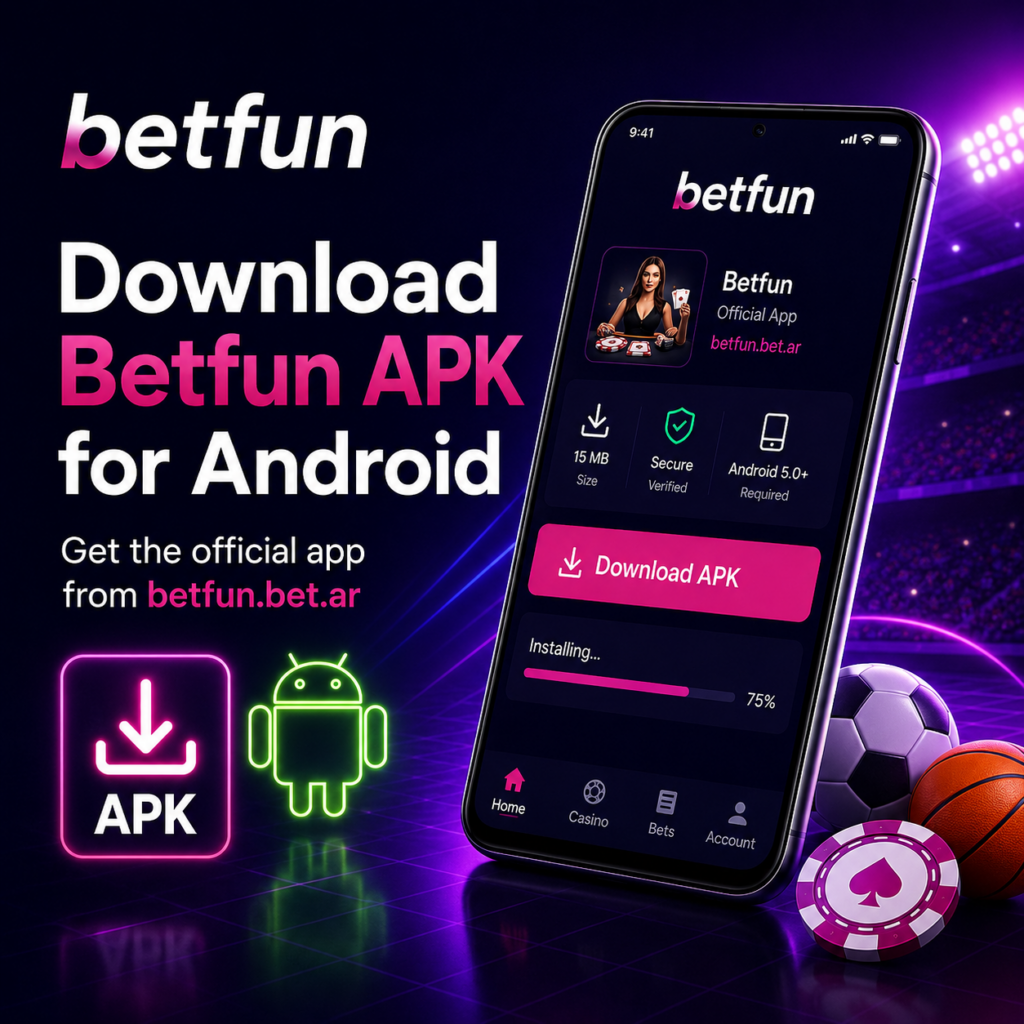
To download the Betfun APK, open betfun.bet.ar on your mobile phone and find the “Download the App” section. The Betfun Android app should only be downloaded from the official website.
Searching for the Betfun APK on third-party download directories is not recommended. A modified file could expose the user’s password, personal information, or account balance.
Steps to Install the App on Android
- Open betfun.bet.ar in your phone’s browser.
- Find the Betfun app download section.
- Download the file with the
.apkextension. - Allow installations from that browser in the Android settings.
- Open the downloaded file and complete the installation.
- Launch the Betfun app and log in to your account.
- Disable permission to install unknown applications again.
Android System Requirements
The platform does not always publish a fixed minimum Android version, so users should check the official page before downloading the Betfun app.
In general, the following are required:
- enough free storage space for installation and updates;
- a relatively recent version of Android;
- a stable internet connection for live casino games and in-play betting;
- an updated browser for downloading the APK file.
On older phones, games with advanced graphics and live streams may take longer to load.
How to Download the Betfun App for iPhone and iPad
Apple devices do not use a Betfun APK file. The application is available free of charge from the App Store under ID 6447068094.
Installing the App on iOS
- Open the App Store.
- Search for “Betfun: Casino y Apuestas.”
- Check the application name and developer details.
- Tap “Get.”
- Wait for the download to finish.
- Open the Betfun casino app and log in to your account.
There is no need to install external configuration profiles or use links to unofficial app stores.

iOS System Requirements
At the time of publication, the App Store listing indicates an approximate size of 100.3 MB and compatibility with iOS 15.0 or later. On an iPad, iPadOS 15.0 or a newer version is required.
Installation time depends on the internet connection and available storage space. Keeping the operating system updated is also recommended to prevent unexpected crashes.
Registration and Login
New users can open the application, select “Create Your Account,” and complete the registration form. Existing users can sign in by selecting “Betfun Log In.”
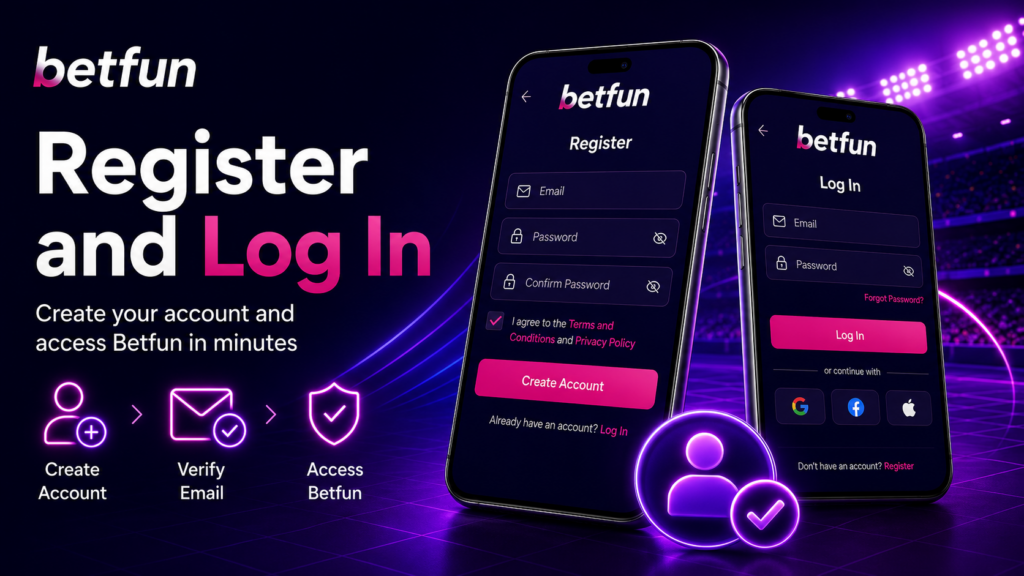
Creating an Account from a Mobile Phone
Users must provide accurate personal information during registration, particularly:
- first and last name;
- date of birth;
- phone number;
- email address;
- DNI and residential address when requested.
The email address and phone number are important for recovering account access and receiving account-related communications.
KYC Identity Verification
Identity verification is mandatory for processing withdrawals. The user’s name, date of birth, and CBU account holder must match the submitted documents.
Support may request:
- proof of CBU ownership;
- facial verification or Face ID;
- a photograph of the front of the DNI;
- a photograph of the back of the DNI.
Documents may be sent to [email protected] when requested. Completing KYC verification shortly after registration can help prevent delays with the first withdrawal.
Main Betfun Mobile Features
Betfun mobile combines casino games, sports betting, promotions, account balance, and the cashier within a single account. It also allows users to receive push notifications and review their transaction history.
Casino and Games
The application includes slot games such as Gates of Olympus, Book of Dead, Sweet Bonanza, Gonzo’s Quest, Mega Fortune, and Divine Fortune.
Players may also find:
- roulette, blackjack, poker, and baccarat;
- live casino games with real dealers;
- classic and modern slot machines.
Game availability may change depending on the provider. No game guarantees winnings.
Sports and Live Betting
The sportsbook covers football, tennis, basketball, volleyball, rugby, MMA, and horse racing. Events of particular interest to Argentine users include the Primera División, the Boca–River Superclásico, the Copa Libertadores, Los Pumas matches, and races at the Palermo Hippodrome.
Live betting displays changing odds while an event is in progress. Users should set a budget before betting and avoid impulsive decisions.
Payment Methods in the Betfun App
The cashier operates in ARS. The stated payment operator is HIPÓDROMO ARGENTINO DE PALERMO S.A. – CASINO CLUB S.A. – U.T.
| Method | Type | Minimum Deposit | Minimum Withdrawal | Betfun Fee | Processing Time |
|---|---|---|---|---|---|
| Mercado Pago | Deposit | ARS 500 | Not specified | 0% | Depends on the provider |
| Visa/Mastercard | Deposit | ARS 500 | Not specified | 0% | Depends on the bank |
| Bank transfer | Deposit and withdrawal | ARS 500 | ARS 700 | 0% | Withdrawals within up to 60 minutes |
| QR transfer | Deposit | ARS 500 | Not specified | 0% | Depends on the provider |
| Cash at the Hippodrome | Deposit | Check current limits | Not specified | 0% | Cash desks available 24 hours |
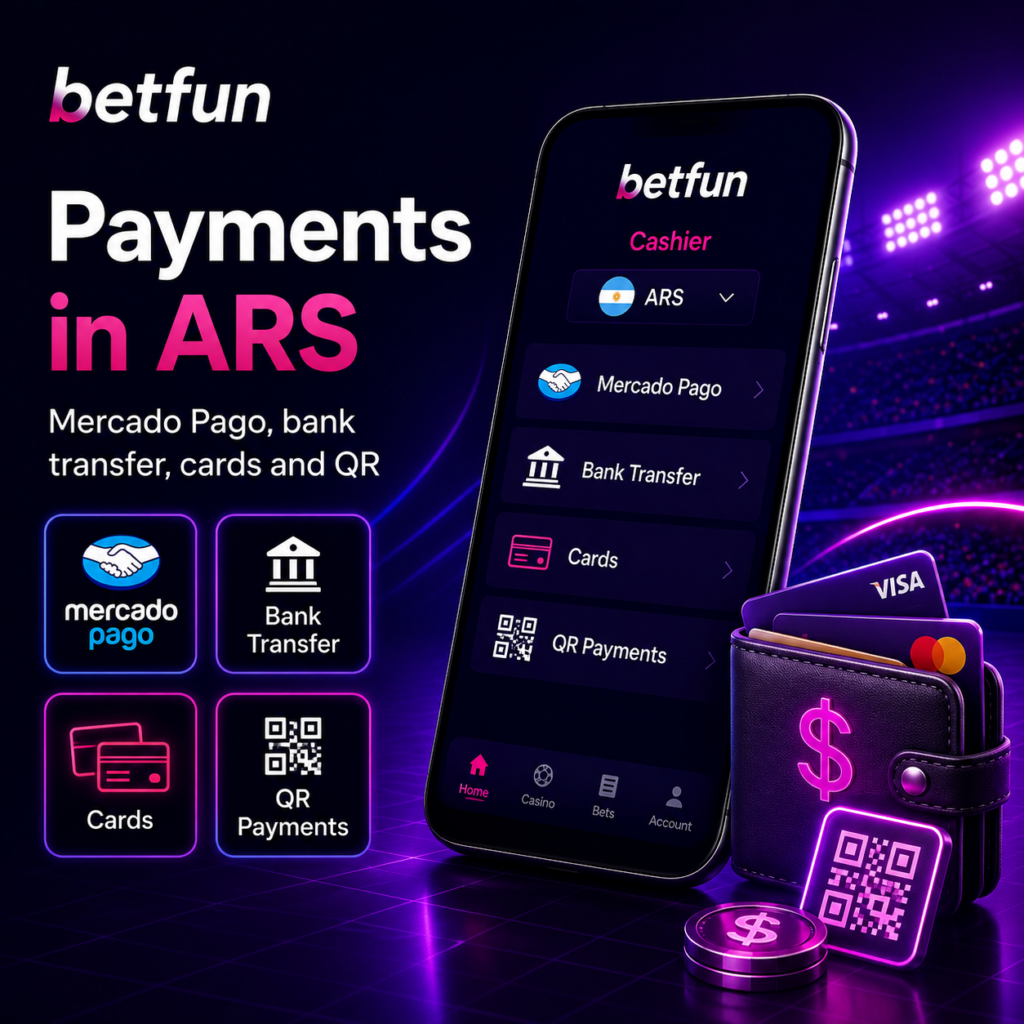
Deposits with Mercado Pago and Other Methods
To make a deposit, open the cashier in the Betfun app, choose Mercado Pago, QR transfer, bank transfer, or card, enter an amount starting from ARS 500, and confirm the transaction.
Mercado Pago may allow users to pay with their available account balance or a linked card. Transactions are processed in Argentine pesos, with no currency conversion performed by Betfun.
App Withdrawals and Processing Times
The stated minimum withdrawal amount is ARS 700. To request a withdrawal, select an available method, enter the amount, and confirm the transaction.
For verified accounts, processing may take up to 60 minutes. Betfun states that it charges a 0% withdrawal fee, although the bank may apply charges of approximately 3% to 4%.
Withdrawal delays are often related to:
- incomplete KYC verification;
- an incorrect CBU;
- differences between the bank account holder and the DNI holder;
- outstanding bonus requirements.
Bonuses and Promotions Available in the App
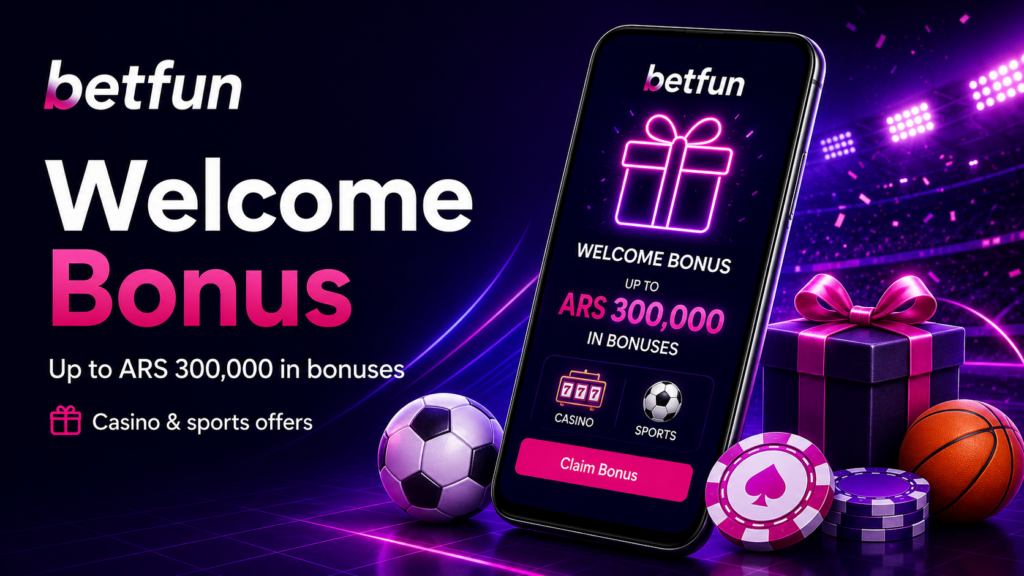
Betfun promotes a welcome package of up to ARS 300,000. This promotional communication also includes references to ARS 25,000 for casino games and ARS 10,000 for sports betting.
There is also a campaign associated with the BETFUNX4 code, offering up to ARS 4,000, two ARS 500 free bets, and a 100% first-deposit benefit. These are separate promotions and should not automatically be combined.
Welcome Bonus in the Betfun App
The Betfun bonus may be activated through the application when creating an account or making the first deposit. For campaigns involving BETFUNX4, the code must be entered in the appropriate registration or promotion field.
The indicative minimum deposit is ARS 500. Before accepting a bonus, users should review the wagering requirement, validity period, eligible games, maximum bet limits, and withdrawal conditions.
Promotions and Push Notifications
The Betfun app may send notifications about bonuses, free bets, tournaments, and temporary campaigns. Push notifications can be managed through the phone’s settings and disabled whenever the user chooses.
Support and Responsible Gambling
The platform provides live chat, a Help Centre, and customer support through [email protected]. The support team can also assist with Betfun APK installation, login problems, payments, bonuses, and account verification.
To speed up the process, users should contact support from their registered email address and provide the date, amount, payment method, and a description of the issue.
Betfun is only available to users aged 18 or older. Gambling should be treated as entertainment and not as a way to earn income.
Responsible gambling support channels include:
- 0800-333-0333;
- WhatsApp: 11 2441-6058;
- juegoresponsable.com.ar;
- CABA helpline: 0800-666-6006.
The platform also provides references to LOTBA and responsible gambling tools available to users in CABA.